ScanForge turns your iPhone into a private document scanner. No account, no uploads, no cloud — your documents never leave your phone.
Download on the App Store No sign-in required
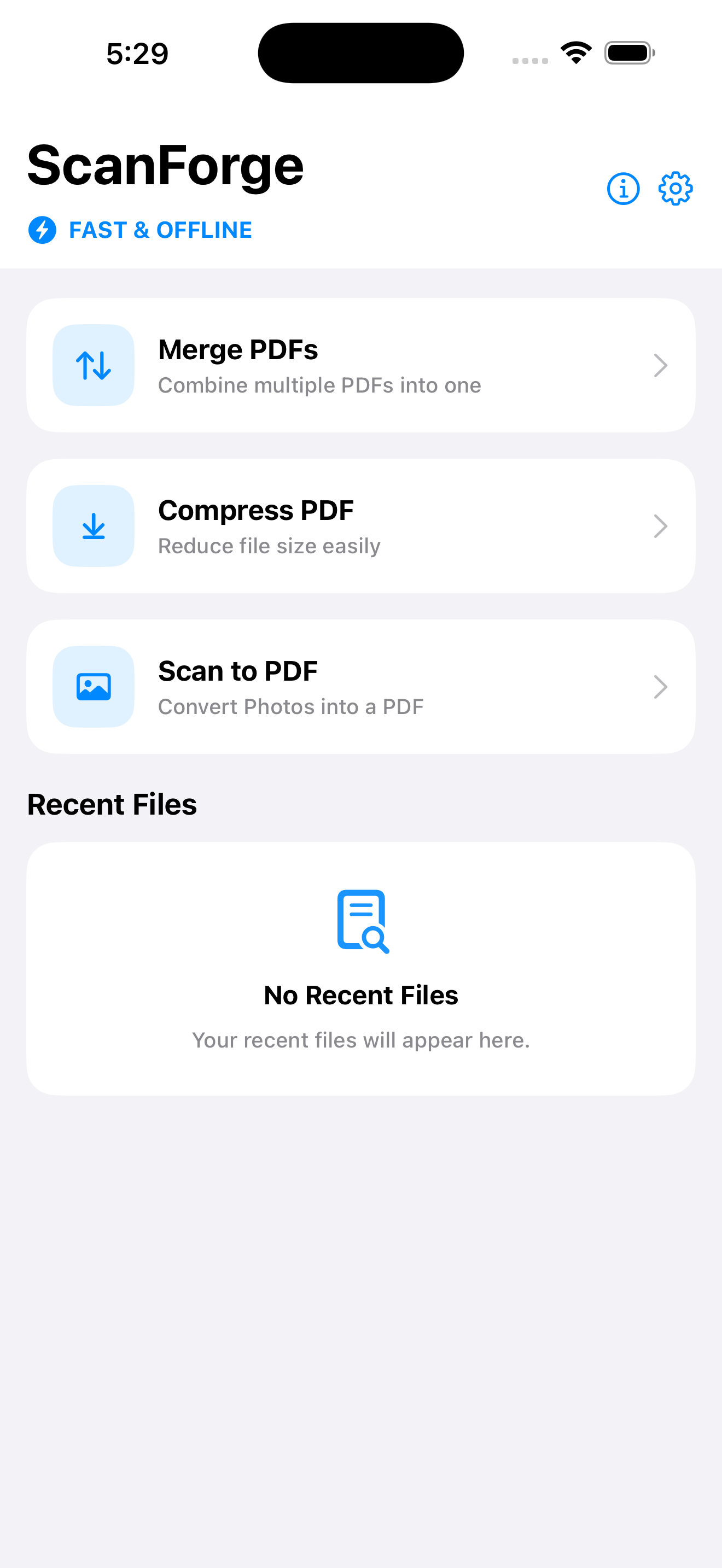
Three fast, focused tools for everyday document work.
Turn photos into clean, sharp PDF documents in seconds using your camera or photo library.
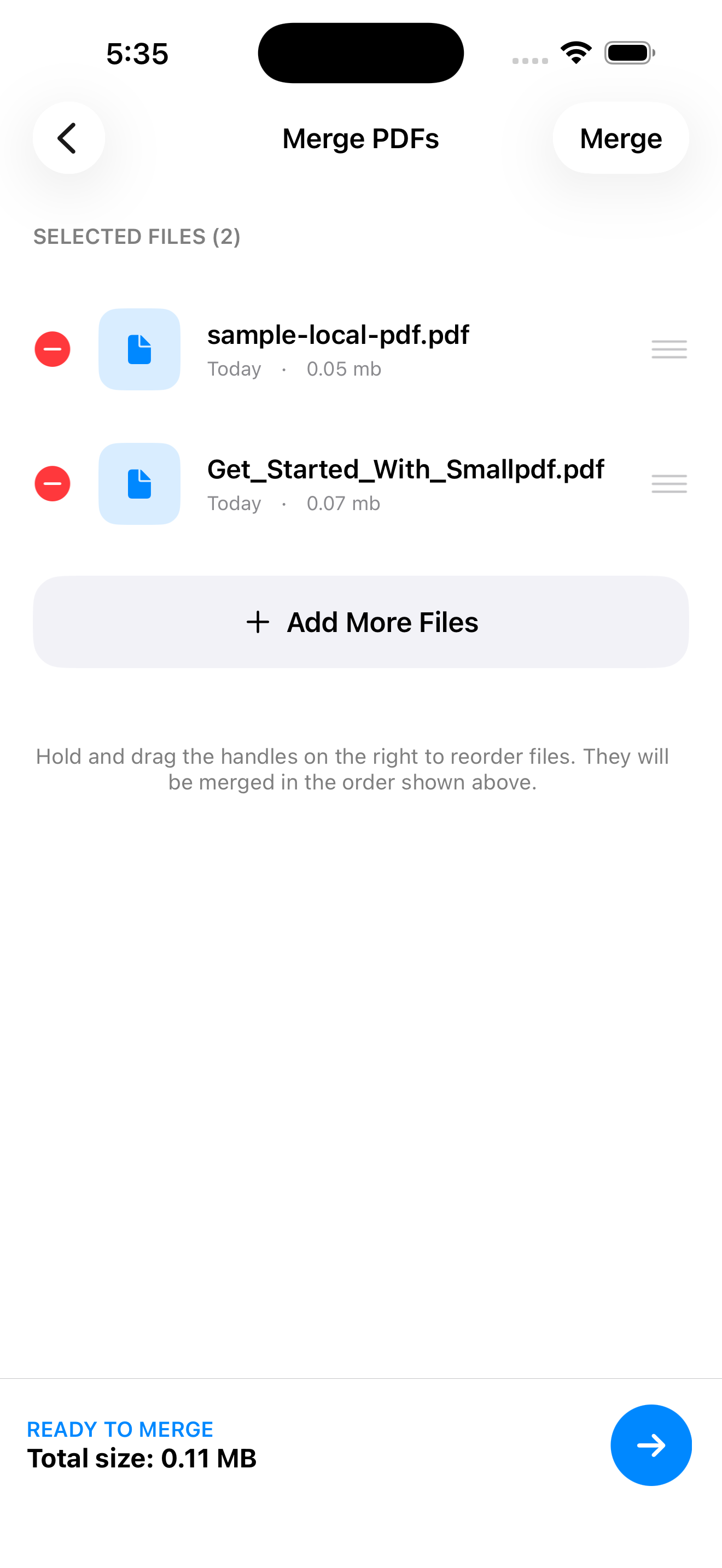
Combine multiple PDFs into one file, reorder them exactly how you want before merging.
Shrink file sizes for easy sharing over email or messaging, without losing readability.
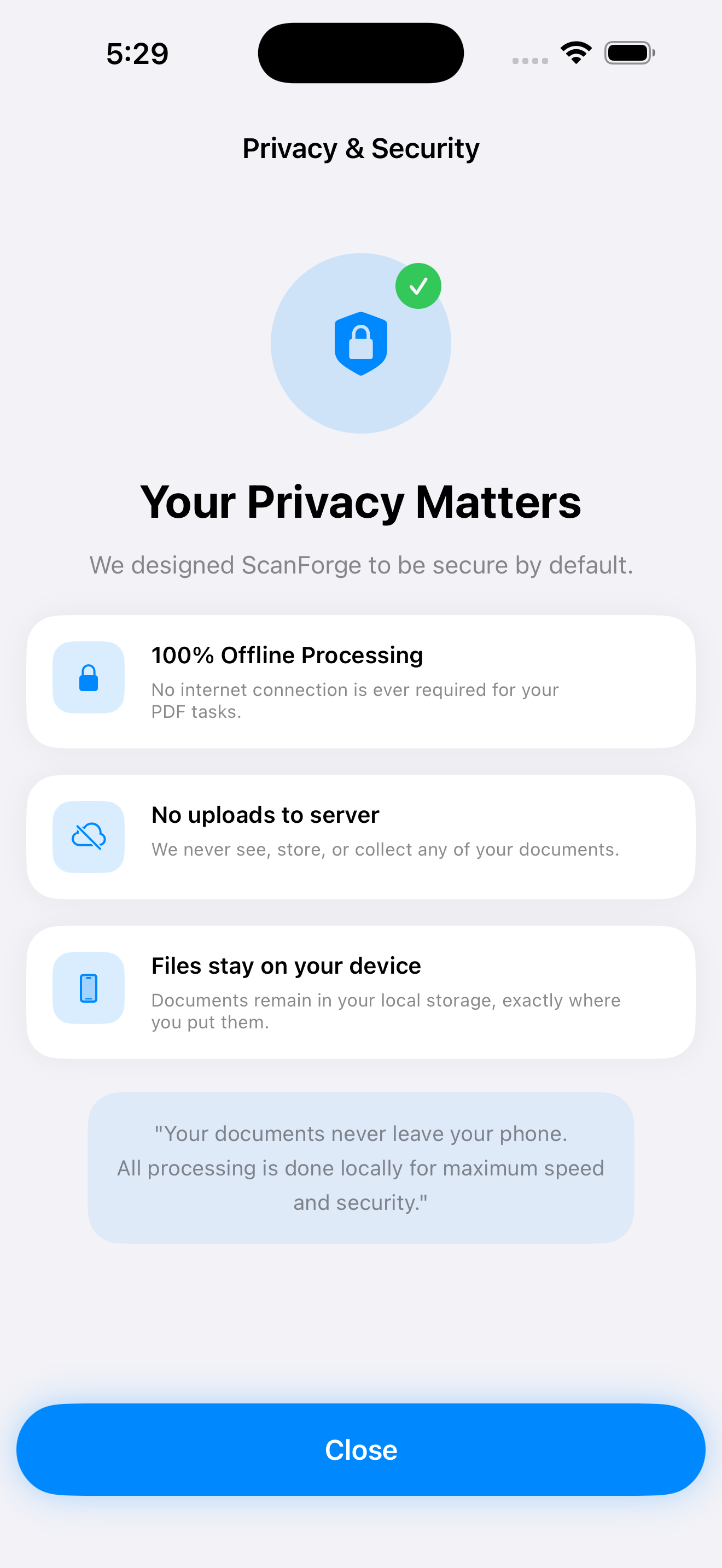
No internet connection required for any core feature. Everything runs directly on your device.
We never see, store, or collect your documents. There are no servers involved in your files.
Your files remain in your local storage, exactly where you save them — nowhere else.
Most scanner apps quietly route your documents through the cloud. ScanForge doesn't. We designed it to be secure by default.
No sign-up, no login, no personal information collected to use any feature.
Every scan, merge, and compression happens entirely offline, on-device.
We have no servers that receive your documents — so we can't see them even if we wanted to.
Download ScanForge and scan, merge, and compress — privately, offline, on your device.
Download on the App Store